
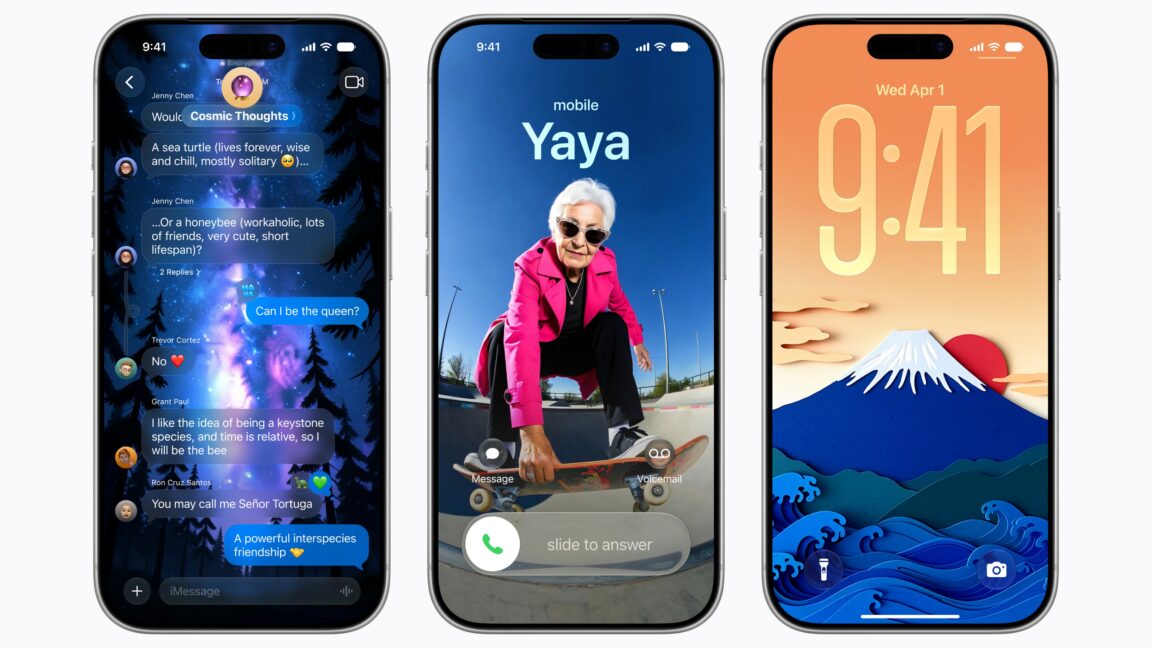
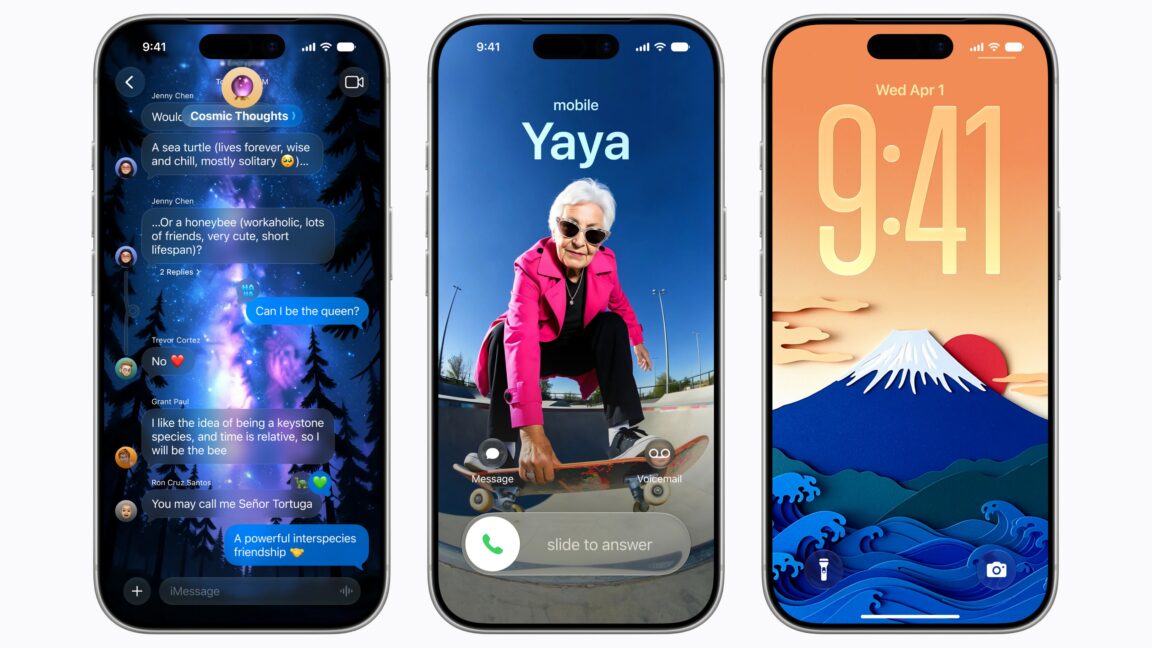
Apple unveiled iOS 27 and iPadOS 27 at WWDC 2026 on Monday, June 8, extending iPhone support back to the iPhone 11. While the update introduces significant performance boosts and a revamped Siri AI, the most advanced intelligence features remain restricted to newer hardware with higher RAM capacities.
Hardware Support: The iPhone 11 Gets a Seven-Year Lifeline

Siri AI and the New Intelligence Ecosystem

Speed and Efficiency: Faster App Launches and AirDrop
- App launch speeds: up to 30 percent faster
- AirDrop file sharing: up to 80 percent faster
- External drive transfers on iPad: up to five times faster
How to Download the iOS 27 Developer Beta
- Back up your device to prevent data loss from potential bugs.
- Open the Settings app and navigate to General.
- Tap on Software Update and then select the Beta Updates option.
- Choose “iOS 27 Developer Beta” from the menu.