Google confirmed 124 security vulnerabilities in Android, including a critical zero-day threat identified as CVE-2025-48595, prompting urgent update warnings for millions of users. While Pixel devices received patches first, other major manufacturers like Samsung and Xiaomi are expected to deploy fixes to prevent remote code execution and data theft.
The Zero-Day Threat and CVE-2025-48595
The security community is on high alert following the discovery of 124 distinct security flaws within the Android operating system. While the volume of bugs is concerning, the primary catalyst for the current emergency is a zero-day vulnerability labeled CVE-2025-48595. Unlike typical phishing attacks that rely on social engineering, this flaw represents a severe escalation in risk.
“This vulnerability allows cyber attackers to perform remote code execution on the target system, seize sensitive information, and render the device completely dysfunctional (denial of service). The most dangerous part is that attackers do not need any user interaction, such as clicking a link or giving approval, to infiltrate the system.”
HKCERT cybersecurity team, via Sözcü
The “no user interaction” element is the critical pivot here. Most Android users are conditioned to avoid suspicious links or unknown APKs to stay safe. CVE-2025-48595 renders those habits irrelevant, as the system can be breached without the user ever knowing an attack is underway. While Google has not disclosed the exact number of affected devices, evidence suggests that attackers have already begun using this exploit against specific targets.
Patch Distribution and Immediate User Action
cluster (priority): tomsguide.com
As is standard, Google Pixel models were the first to receive the emergency security patch. However, the threat extends to the entire ecosystem. Manufacturers including Samsung, Xiaomi, Oppo, and Vivo are expected to roll out these critical updates across their device lineups in the coming days and weeks.
Because these updates do not always trigger automatically on every device, users must manually verify their security status. The only way to neutralize the threat is to install the latest patch and restart the device to activate the protection.
Open the Settings menu.
Navigate to the System or Software Update section.
Select “Check for updates” to identify pending installations.
Download the update immediately and restart the device upon completion.
Android 17 and the “Cinnamon Bun” Cycle
Critical Zero-Day Exploit Found: Update Your Android Now
Amidst this security crisis, Google is pushing forward with its accelerated release schedule for the next generation of the OS. Android Authority reports that Google has officially released Android 17 Beta 4, signaling a permanent shift in how the platform is deployed.
The company has moved away from the traditional August or September launch window, opting instead for a mid-year stable release. For Android 17, this means a major SDK release is slated for Q2 2026, followed by a minor SDK release in Q4 2026. Internally, the project is known by the dessert codename “Cinnamon Bun”, corresponding to API level 37.0.
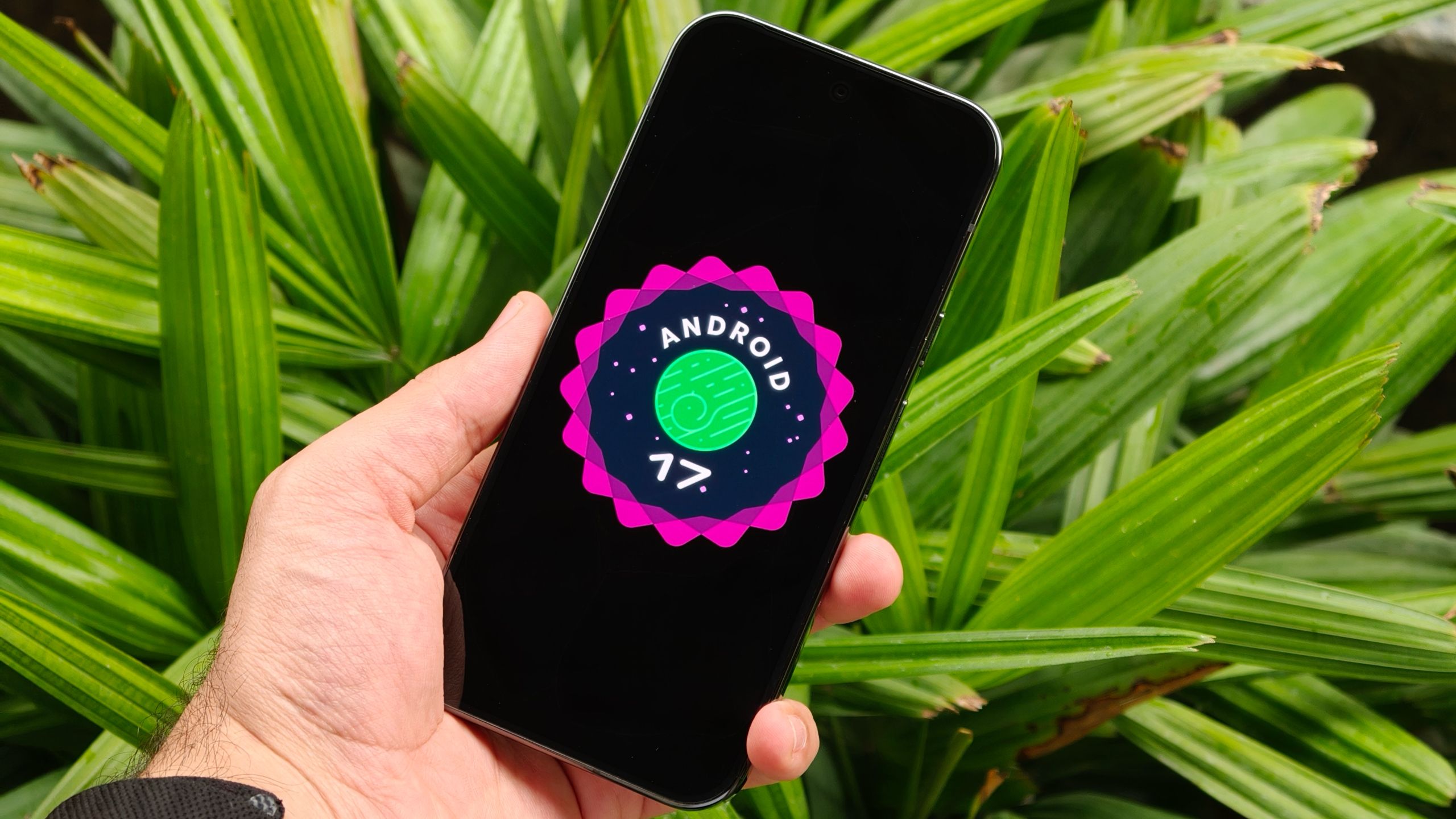
For those running the Beta 4 build, a new Easter egg has been introduced. By navigating to Settings > About phone and tapping “Android Version” ten times, users can access a star-connecting interface that reveals the Android 17 logo. Long-pressing this logo triggers a space game carried over from the Android 15 and 16 versions.
Multitasking Evolution and App Bubbles
cluster (priority): android.com
Beyond the technical plumbing and security patches, Android 17 introduces a fundamental change to how users interact with multiple applications. The standout feature is the introduction of App Bubbles, a native implementation of floating windows.
While some manufacturers have offered similar “floating window” skins in the past, Tom’s Guide notes that Google is now building this directly into the core OS. This ensures that Pixel phones and other certified Android devices will support the feature out of the box. Users can trigger a bubble by holding an app icon and selecting the bubble option, allowing the app to run in a movable window on top of other content.
This architectural shift is particularly significant for the growing foldable device market, where screen real estate allows for more complex multitasking. Alongside this, Google is refining its screen recording utility to reduce long-standing friction. New options allow users to record a single app rather than the full screen and provide granular control over device audio, microphone input, and the visibility of screen touches.
The collision of a critical zero-day vulnerability and an accelerated release cycle highlights the current tension in mobile development. As Google pushes for mid-year updates to stay competitive with feature drops, the window for discovering and patching vulnerabilities like CVE-2025-48595 becomes even tighter. For the end user, the priority remains clear: the newest features of “Cinnamon Bun” are secondary to the immediate necessity of a system restart and a security update.